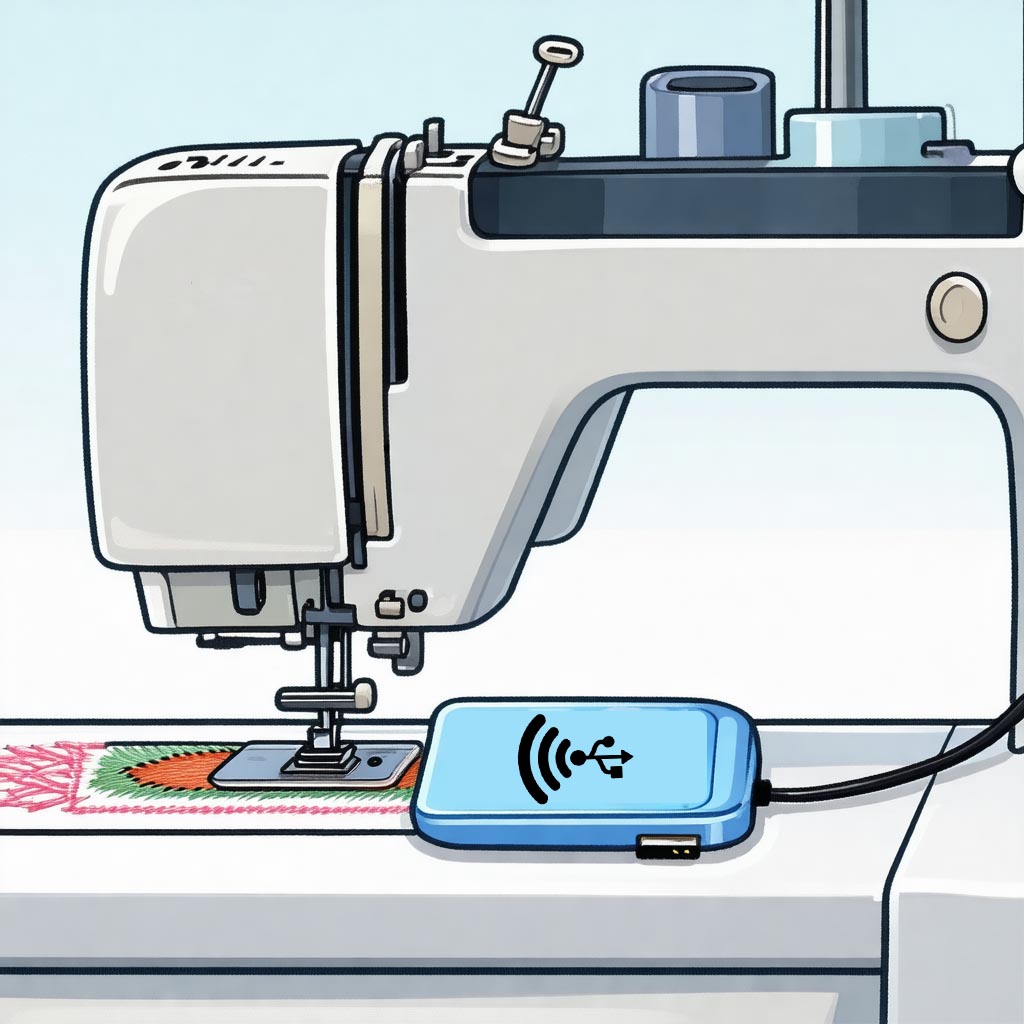
Transform your embroidery machine with WiFi connectivity. Transfer designs wirelessly without walking back and forth to your computer.
Order Now Learn MoreConnect your embroidery machine to your home network and transfer files wirelessly from anywhere in your workspace.
Plugs directly into your embroidery machine's USB port. Works exactly like a normal USB flash drive.
Files appear on your machine within 45 seconds of transfer. No manual refreshing needed.
About the size of a standard USB drive. Fits perfectly next to your embroidery machine.
Simple configuration process. Get connected in minutes with our step-by-step guide.
Ample space for hundreds of embroidery designs. Never worry about running out of room.
Say goodbye to USB drives and cable management. Wireless Flash transforms your embroidery workflow by enabling wireless transfers directly to your machine.
Plug Wireless Flash into a Windows or Mac computer. Run the "Change WiFi" program to connect to your 2.4GHz WiFi network.
After configuration, unplug from your computer and insert into your embroidery machine's USB port.
On any computer on the same network, open the network share to access your files.
Copy your embroidery files to the network share. They'll automatically appear on your machine within 45 seconds.
Wireless Flash only works on 2.4GHz WiFi networks. If your router broadcasts separate 2.4GHz and 5GHz networks, make sure to connect to the 2.4GHz one.
Always transfer files via the network share, never by copying directly to the USB drive window. Direct USB copying may corrupt the drive.
To change networks, temporarily unplug from your embroidery machine and connect to a Windows or Mac computer to run the "Change WiFi" program.
The device may briefly disconnect from your embroidery machine during file synchronization. This is normal and takes only a few seconds.
Join hundreds of embroiderers who have already upgraded to Wireless Flash


